
When the app is launched you will see all forms assigned to you:
| iPhone Forms View | |
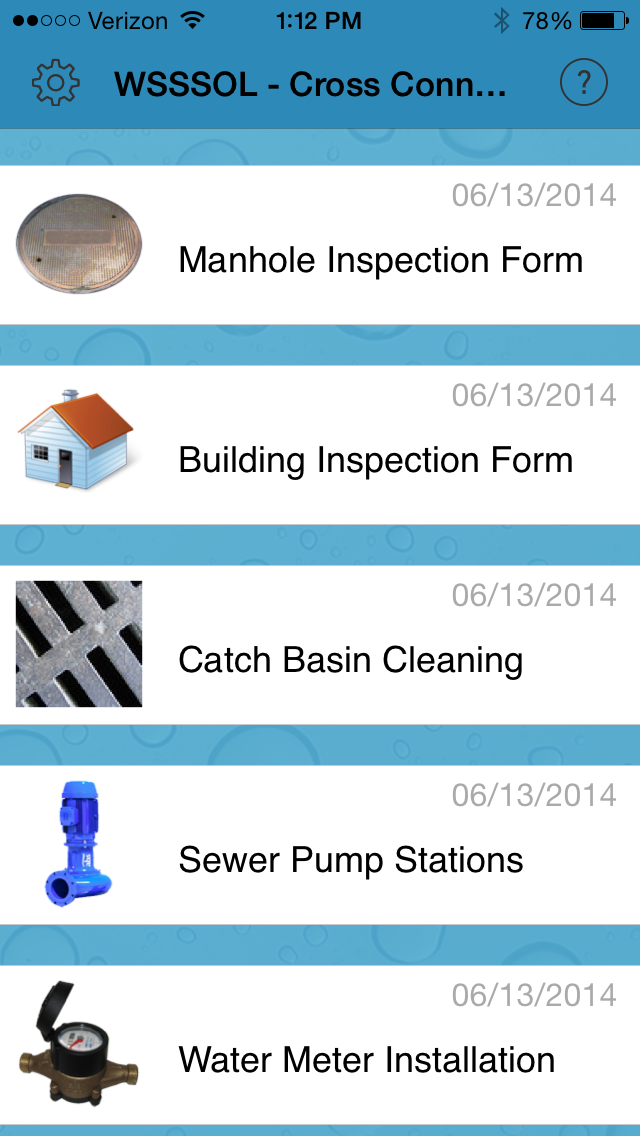 |
| iPad Forms View |
To open a form click on the folder or form name; a blank form will open.
Begin entering data.
When complete click 'DONE'
The app will return to the records list within the form, any complete and incomplete records for that form will appear.
To open another blank form click the + at the bottom of the screen:
Comments
0 comments
Please sign in to leave a comment.