
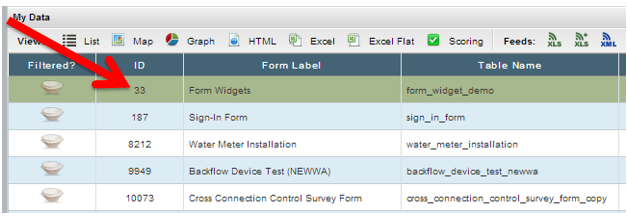
From the Data Tab highlight the form to edit
Click on the ID # hyperlink of the form to display all records in a list view:
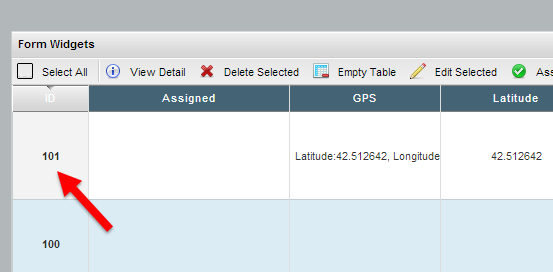
Click on the ID # hyperlink of the record to edit:
Scroll to the bottom of the HTML page. Click on the edit button:

Make necessary changes to the data. (NOTE: images cannot be edited)
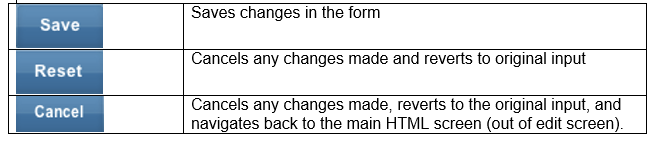
Click Save, Reset or Cancel:
Comments
0 comments
Article is closed for comments.