
From the Data Tab highlight the form to edit
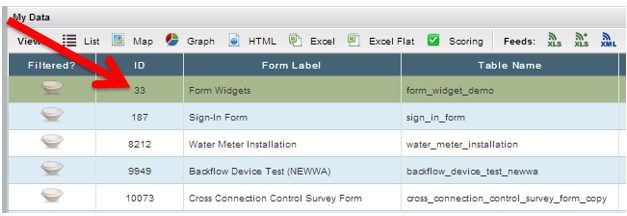
Click on the ID # hyperlink of the form to display all records in a list view:
Locate the records to edit and click on each record (the records will be green when selected - click again to un-select):
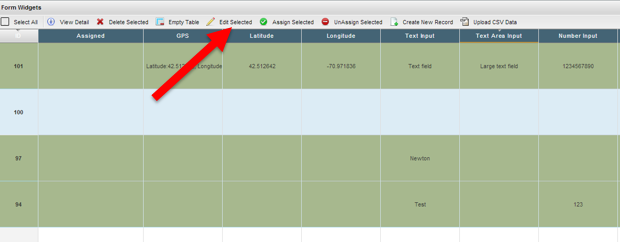
Click Edit Selcted
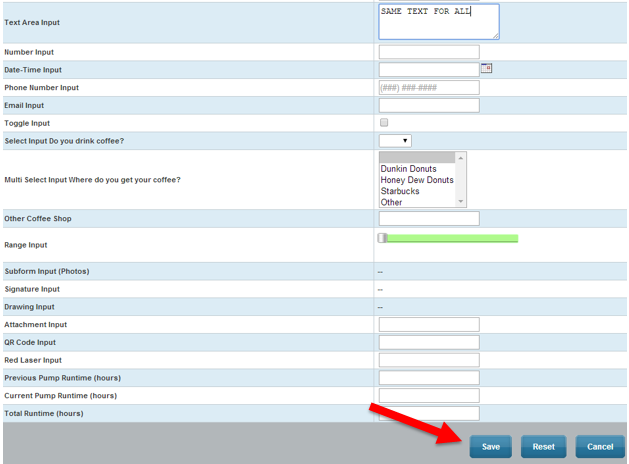
Provide new values for the fields you wish to update and press "Save"
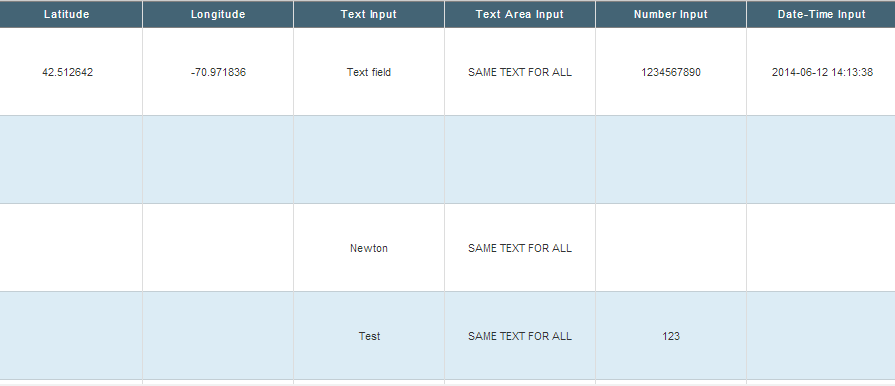
The new values will be applied across all rows:
Comments
0 comments
Please sign in to leave a comment.