
Auto sync enables the device to try and sync any time a record is completed (clicking the 'Done' button) and the user returns to the form menu.
Navigate to iOS Settings:

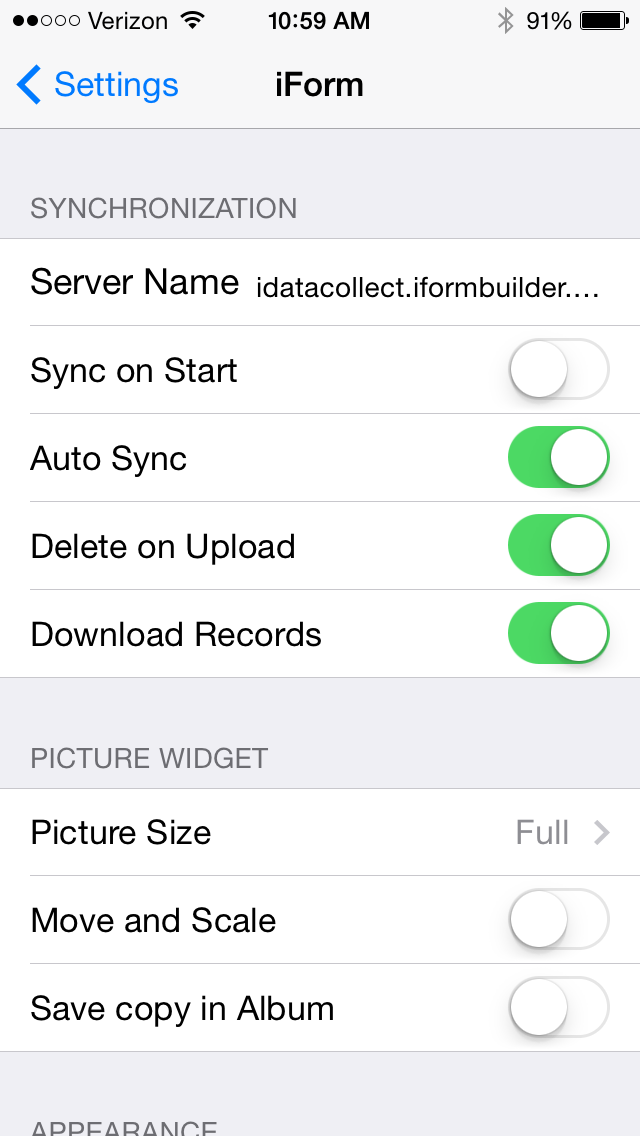
Scroll down to the apps section and click on iForm.
Click on the button to the right of Auto Sync to turn it on/off; the button will be green when on:
Comments
0 comments
Please sign in to leave a comment.